Quickstart
This guide helps you get llm.port running quickly and send your first successful request.
Prerequisites
- Docker Engine 24+ with Compose V2
- 8 GB RAM minimum (16 GB recommended)
- Python 3.12+ (if using pip-based CLI install)
1) Install the CLI
pip install llmport-cli
You can also use the standalone binary if you prefer not to install Python tooling.
2) Validate your host
llmport doctor
3) Start the platform
llmport up
4) Complete initial setup
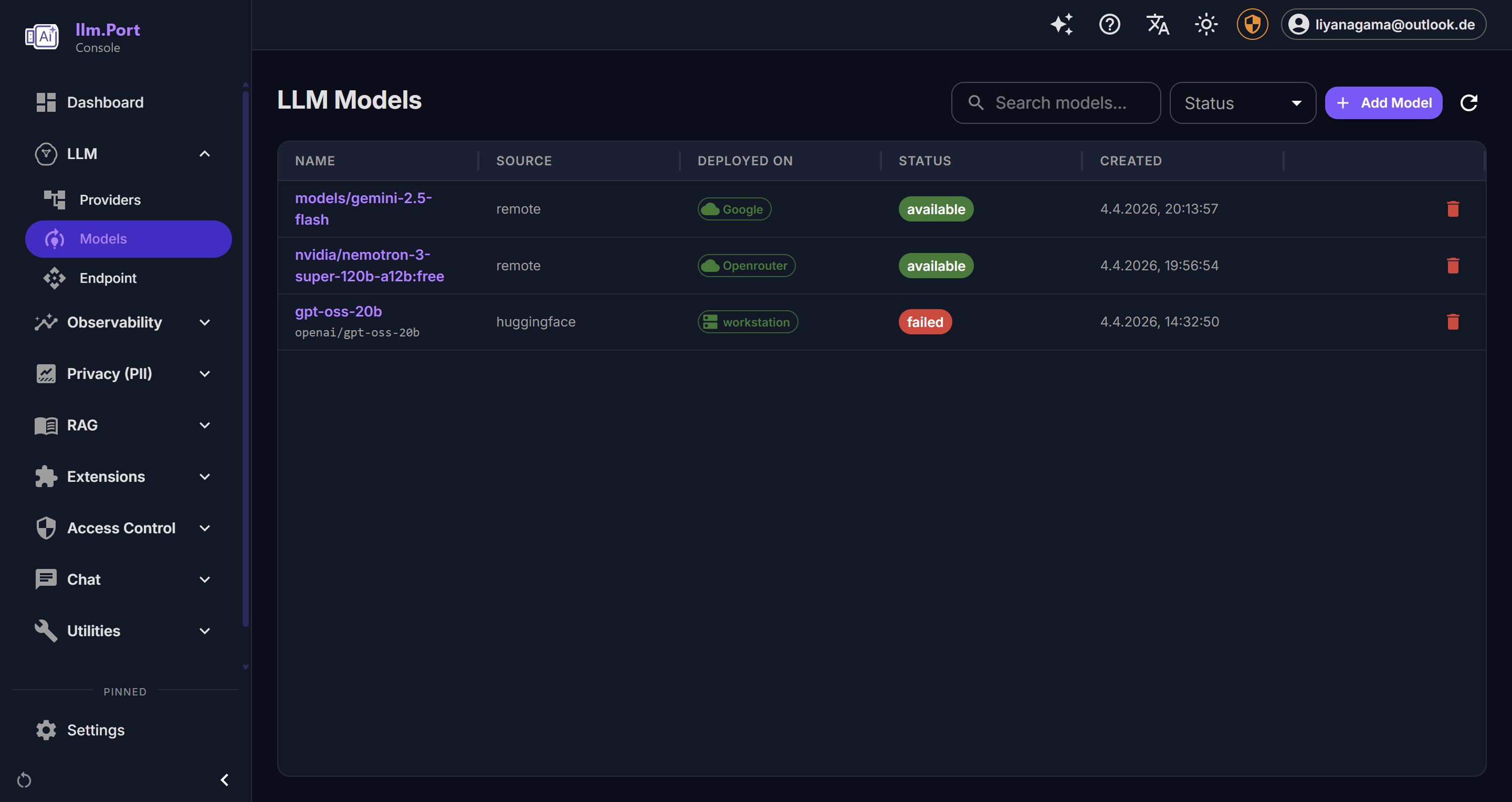
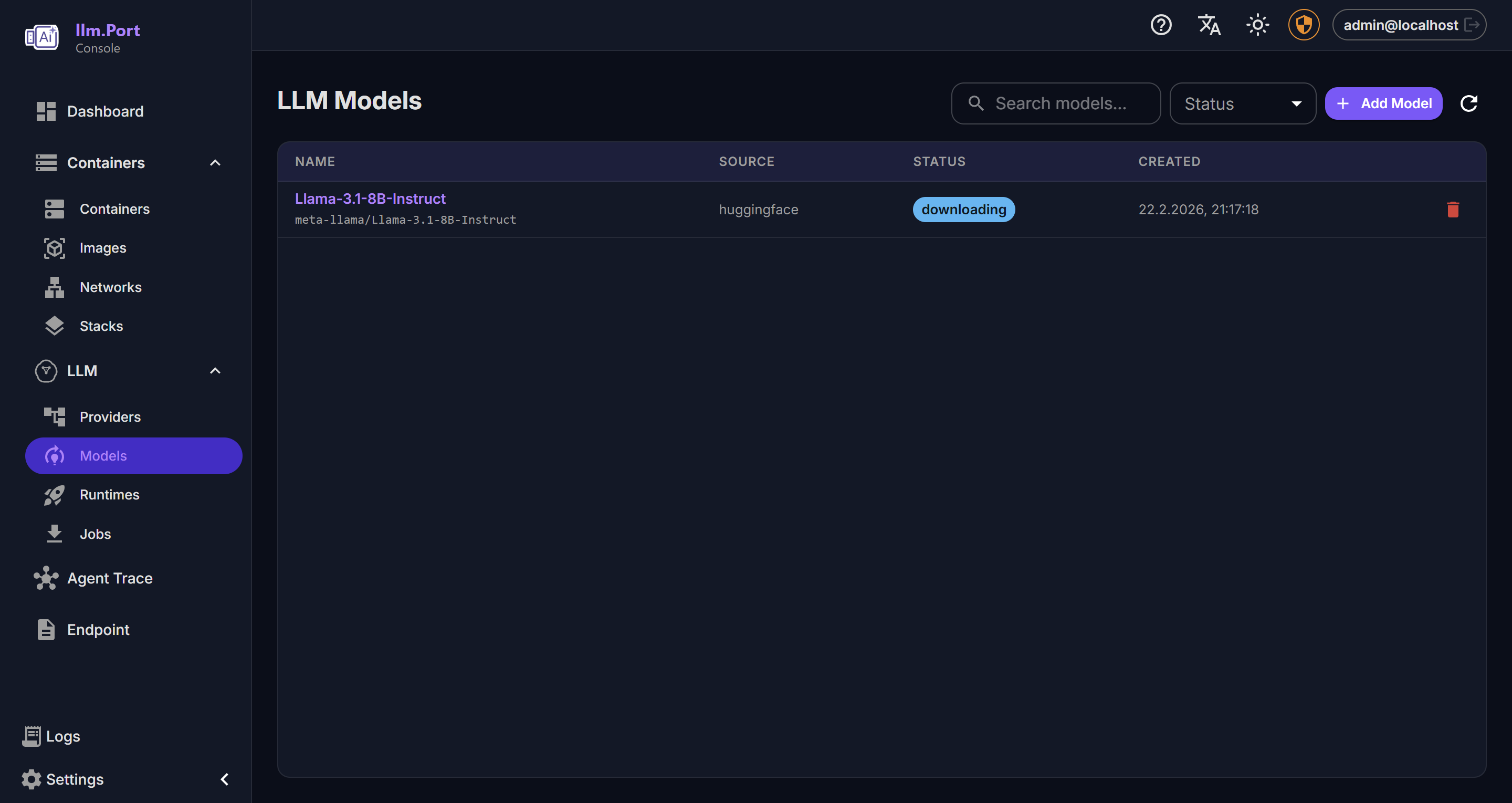
Open the admin console and complete the first-run setup:
- add a provider
- choose a model alias
- create or paste an API token
Once done, your apps can call llm.port through one stable API endpoint.
5) Send a test request
curl http://localhost:4000/v1/chat/completions \
  -H "Authorization: Bearer <token>" \
  -H "Content-Type: application/json" \
  -d '{
    "model": "<model-alias>",
    "messages": [{"role": "user", "content": "Hello"}]
  }'
What to do next
- Configure providers and model aliases
- Enable modules you need (for example PII or RAG)
- Review Security Overview
Screenshots