Quickstart
Diese Anleitung hilft dir, llm.port schnell zu starten und die erste erfolgreiche Anfrage zu senden.
Prerequisites
- Docker Engine 24+ with Compose V2
- 8 GB RAM minimum (16 GB recommended)
- Python 3.12+ (if using pip-based CLI install)
1) Install the CLI
pip install llmport-cli
You can also use the standalone binary if you prefer not to install Python tooling.
Du kannst auch die Standalone-Binary verwenden, wenn du kein Python-Tooling installieren moechtest.
2) Validate your host
llmport doctor
3) Start the platform
llmport up
4) Complete initial setup
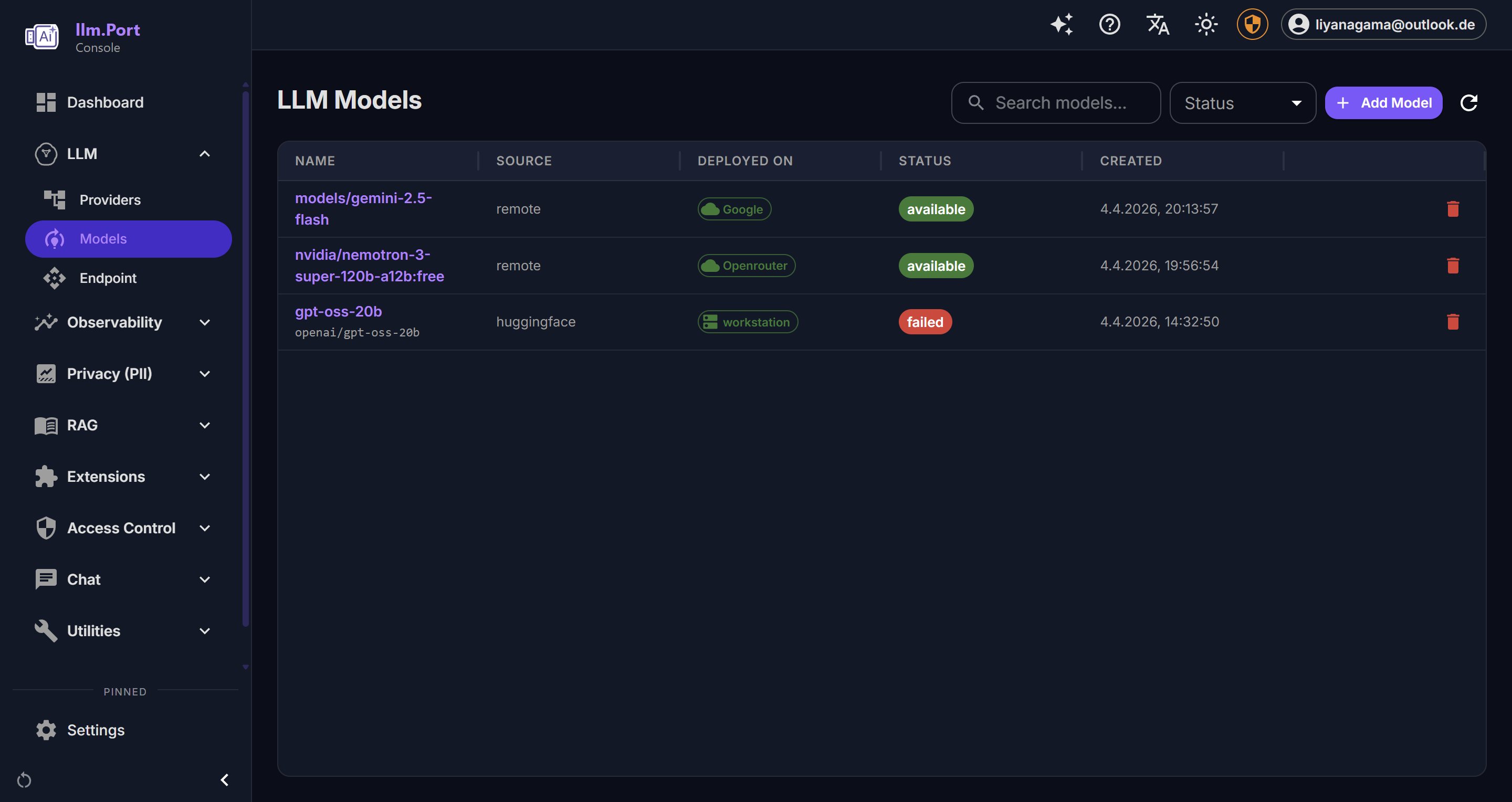
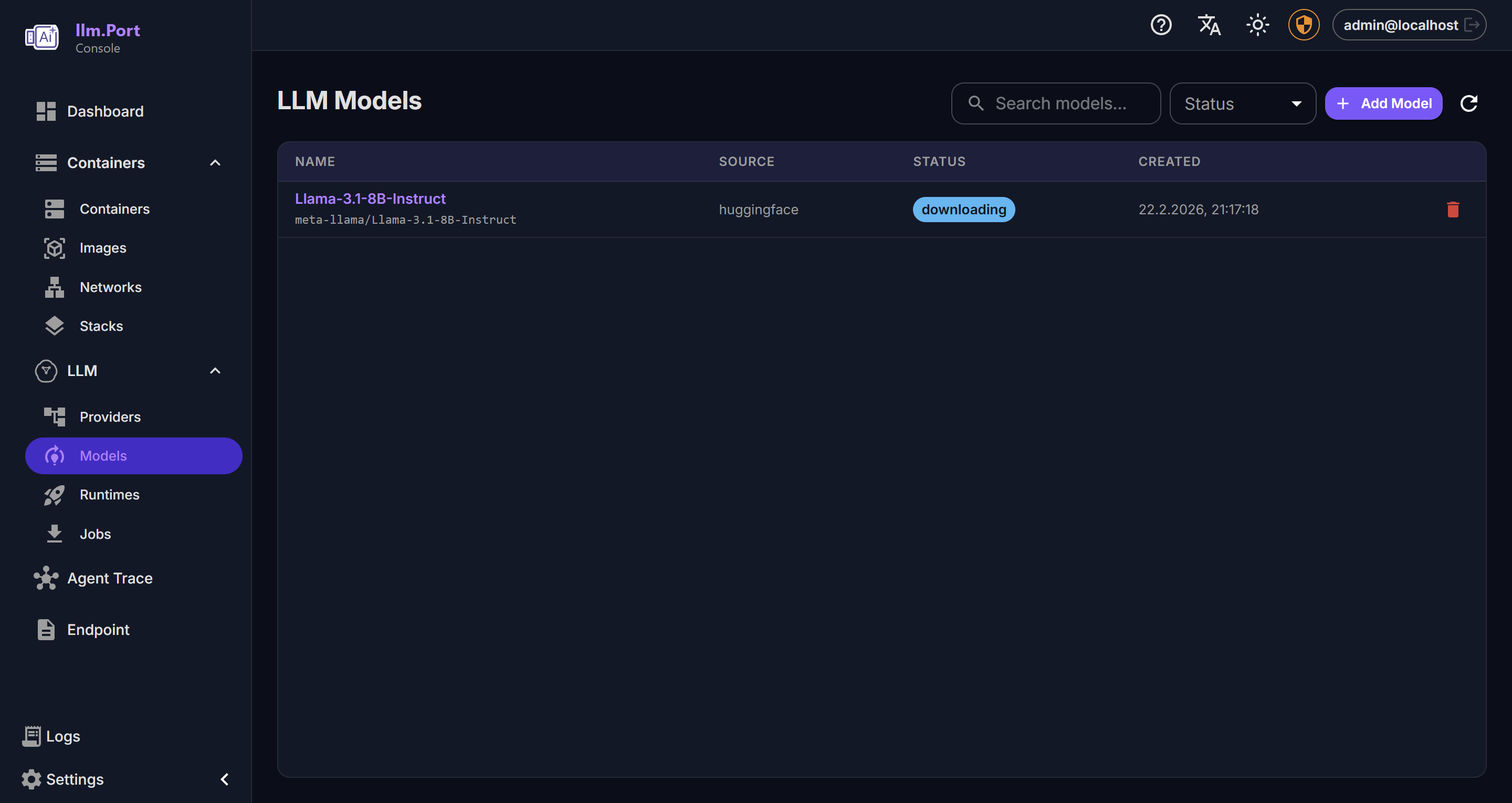
Oeffne die Admin-Konsole und durchlaufe das Erst-Setup:
- Provider anlegen
- Model-Alias waehlen
- API-Token erzeugen oder einfuegen
Danach koennen deine Apps llm.port ueber einen stabilen API-Endpunkt nutzen.
5) Send a test request
curl http://localhost:4000/v1/chat/completions \
  -H "Authorization: Bearer <token>" \
  -H "Content-Type: application/json" \
  -d '{
    "model": "<model-alias>",
    "messages": [{"role": "user", "content": "Hello"}]
  }'
What to do next
- Provider und Model-Aliase konfigurieren
- Benoetigte Module aktivieren (z. B. PII oder RAG)
- Security Overview lesen
Screenshots