Quickstart
Esta guia te ayuda a iniciar llm.port rapidamente y enviar tu primera solicitud con exito.
Prerequisites
- Docker Engine 24+ with Compose V2
- 8 GB RAM minimum (16 GB recommended)
- Python 3.12+ (if using pip-based CLI install)
1) Install the CLI
pip install llmport-cli
You can also use the standalone binary if you prefer not to install Python tooling.
Tambien puedes usar el binario standalone si no quieres instalar herramientas de Python.
2) Validate your host
llmport doctor
3) Start the platform
llmport up
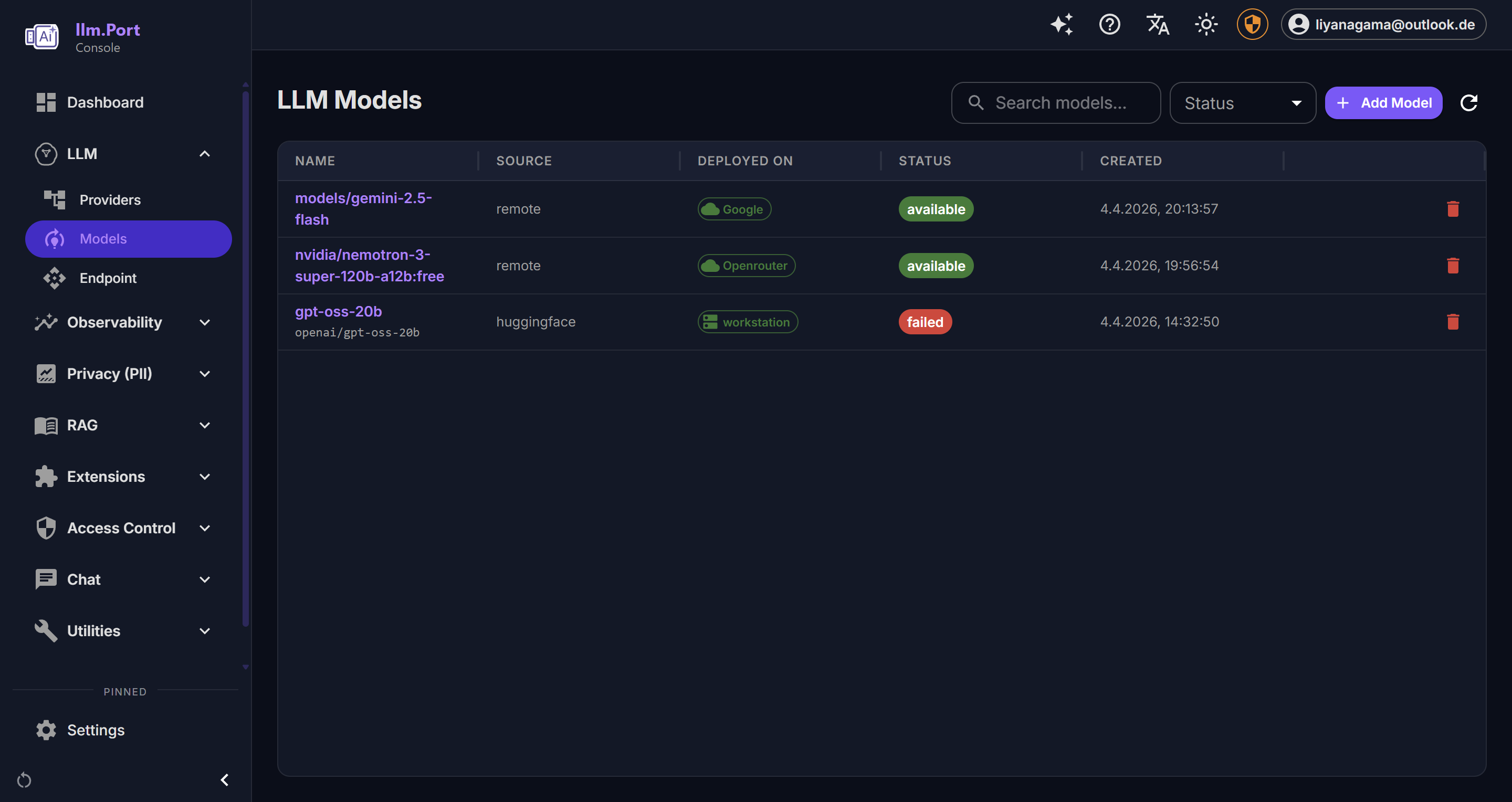
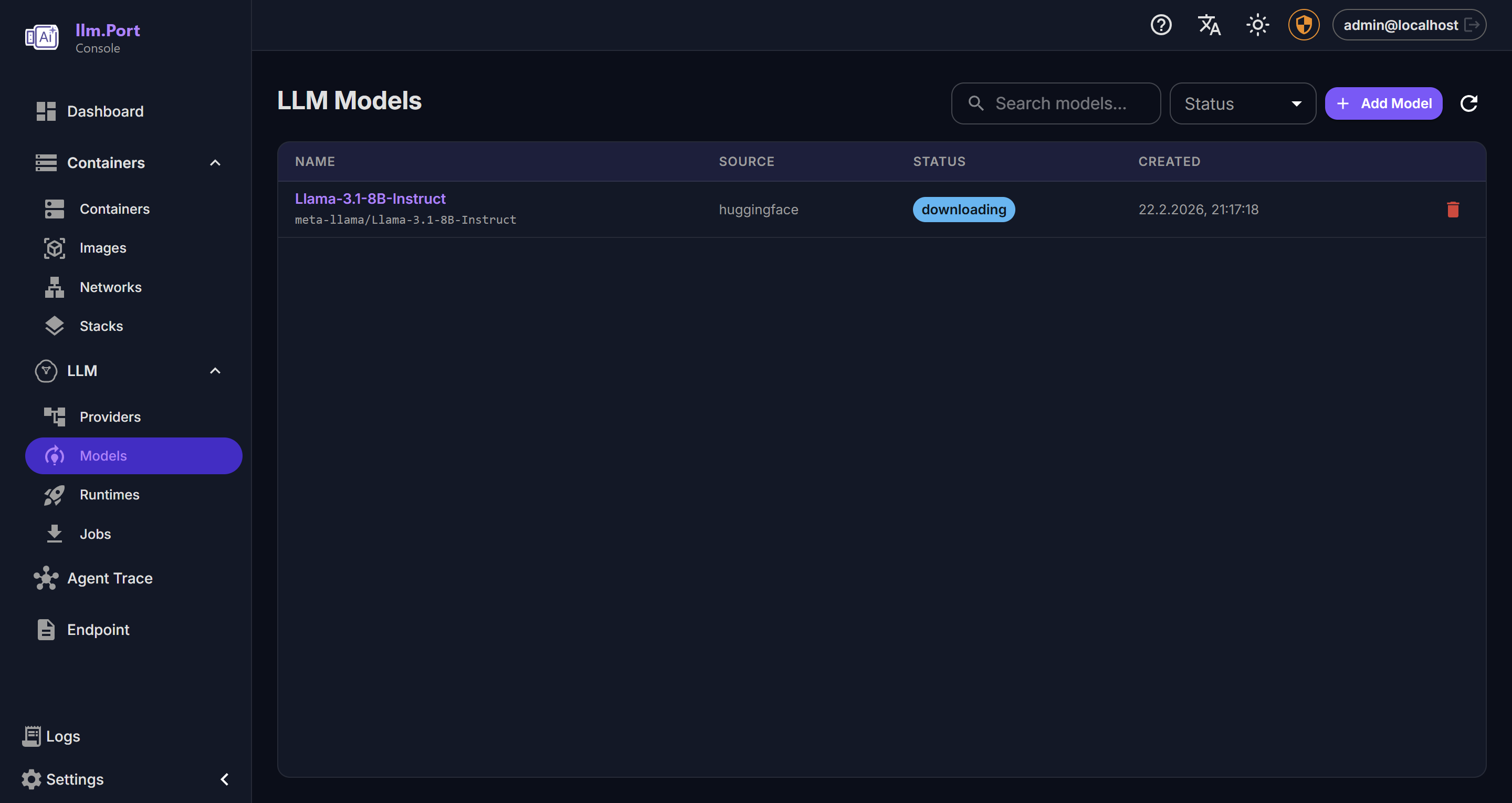
4) Complete initial setup
Abre la consola de administracion y completa la configuracion inicial:
- agregar un proveedor
- elegir un alias de modelo
- crear o pegar un token API
Despues de eso, tus aplicaciones pueden usar llm.port desde un endpoint API estable.
5) Send a test request
curl http://localhost:4000/v1/chat/completions \
  -H "Authorization: Bearer <token>" \
  -H "Content-Type: application/json" \
  -d '{
    "model": "<model-alias>",
    "messages": [{"role": "user", "content": "Hello"}]
  }'
What to do next
- Configura proveedores y alias de modelos
- Activa los modulos que necesites (por ejemplo PII o RAG)
- Revisa Security Overview
Screenshots