Quickstart
本指南帮助你快速启动 llm.port,并完成第一条成功请求。
Prerequisites
- Docker Engine 24+ with Compose V2
- 8 GB RAM minimum (16 GB recommended)
- Python 3.12+ (if using pip-based CLI install)
1) Install the CLI
pip install llmport-cli
You can also use the standalone binary if you prefer not to install Python tooling.
如果你不想安装 Python 工具链,也可以使用独立二进制版本。
2) Validate your host
llmport doctor
3) Start the platform
llmport up
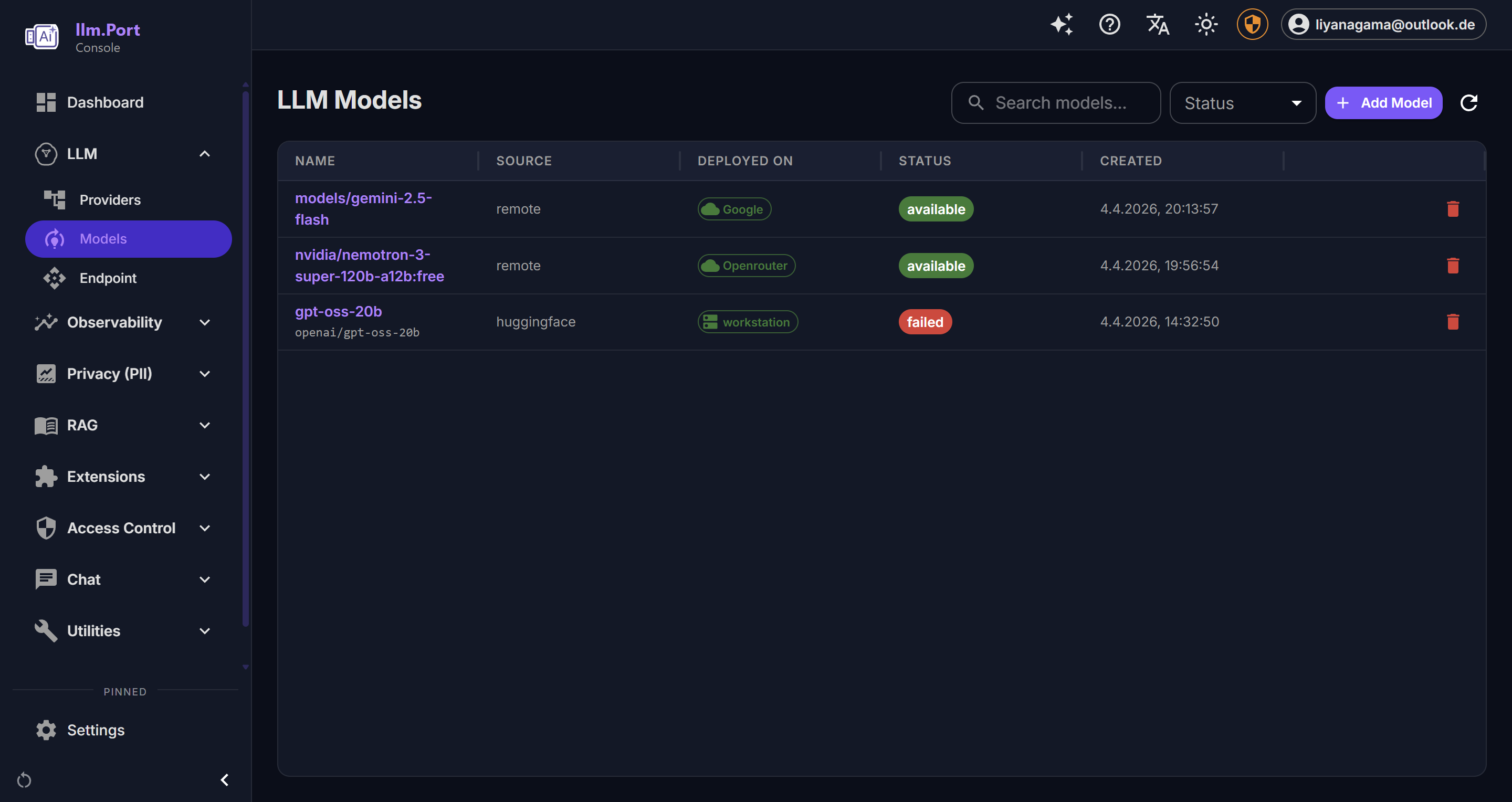
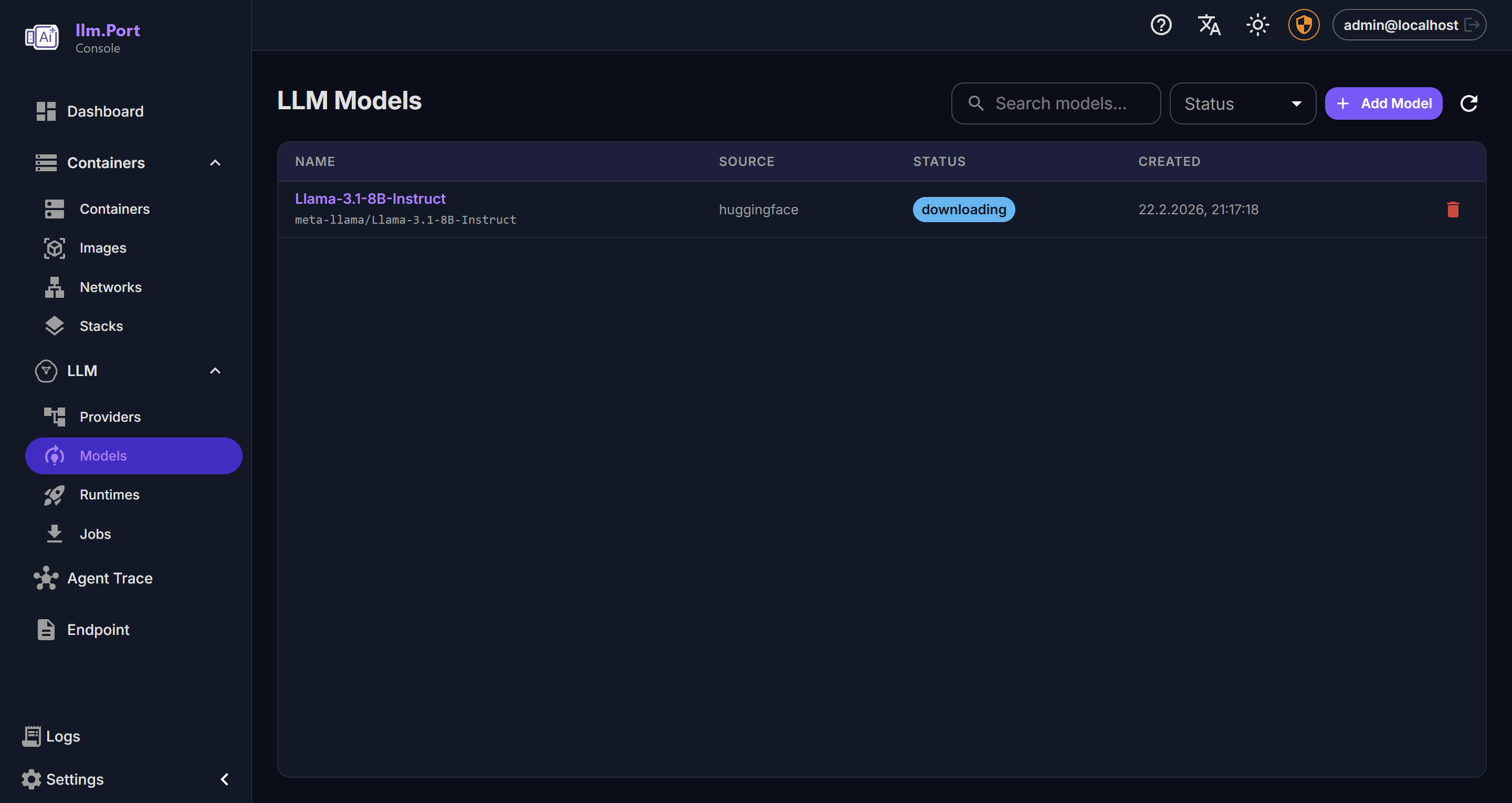
4) Complete initial setup
打开管理控制台并完成首次配置:
- 添加一个 Provider
- 选择一个模型别名
- 创建或粘贴 API Token
完成后,你的应用就可以通过一个稳定的 API 端点调用 llm.port。
5) Send a test request
curl http://localhost:4000/v1/chat/completions \
  -H "Authorization: Bearer <token>" \
  -H "Content-Type: application/json" \
  -d '{
    "model": "<model-alias>",
    "messages": [{"role": "user", "content": "Hello"}]
  }'
What to do next
- 配置 Provider 与模型别名
- 启用你需要的模块(例如 PII 或 RAG)
- 阅读 Security Overview
Screenshots